
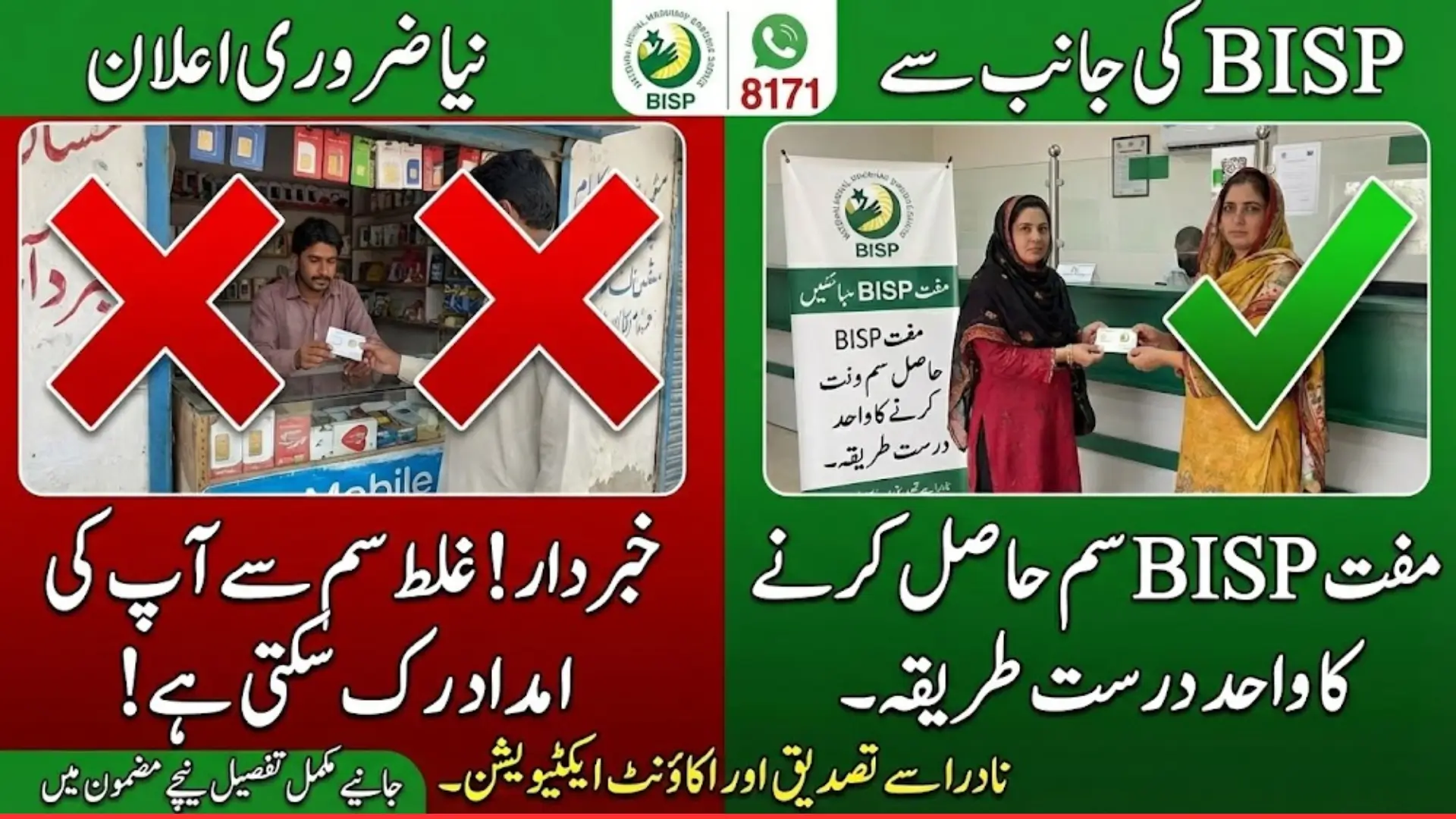
BISP 8171 Important Announcement
BISP 8171 Important Announcement: The Benazir Income Support Program (BISP) has issued an important announcement for registered women beneficiaries regarding the distribution of free Social Protection Wallet SIM cards. These SIM cards are essential for activating digital payments under the BISP system. The government emphasizes that SIM cards must be obtained only from official BISP offices or authorized campsites to ensure smooth activation and proper receipt of monthly payments. Using SIMs from other sources may result in wallet activation failures or delayed payments.
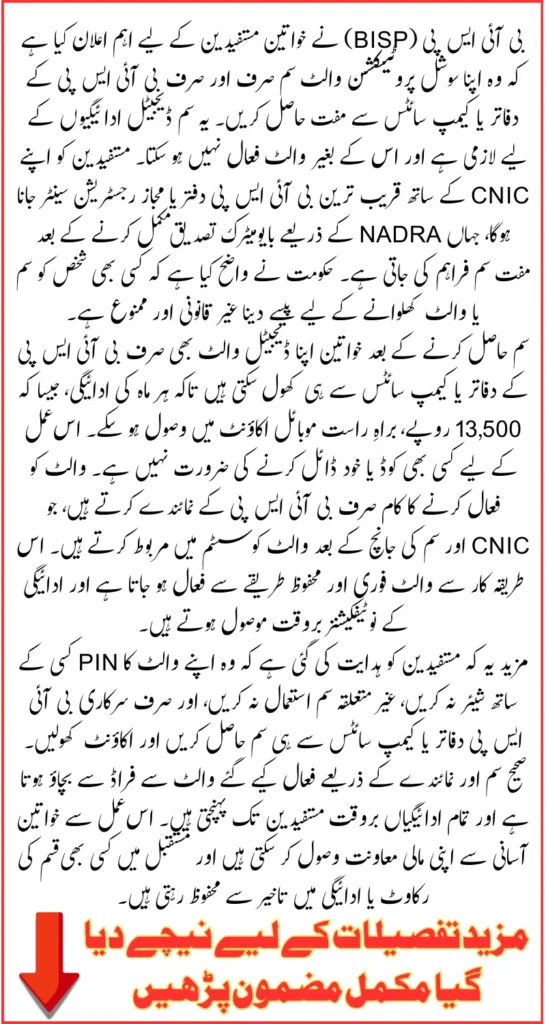
This step is part of BISP’s ongoing efforts to digitize financial assistance, making it more secure, fast, and reliable. By linking beneficiaries’ CNICs to a local network SIM, the program ensures that payments are delivered directly to the digital wallet without any intermediaries. Following proper activation procedures is crucial to avoid disruptions and receive timely payments of Rs. 13,500 and other assistance.
بینظیر انکم سپورٹ پروگرام
سوشل پروٹیکشن والیٹ: درست طریقہ کار
⚠️ اہم نوٹ: سم اور اکاؤنٹ صرف سرکاری BISP نمائندے کے ذریعے ہی حاصل کریں!
پہلا مرحلہ: مفت سم کا حصول
دوسرا اہم مرحلہ: اکاؤنٹ ایکٹیویشن
(سم ملنے کے فوراً بعد)
یہ واحد طریقہ ہے جس سے آپ کا اکاؤنٹ لنک ہوگا اور ادائیگیاں شروع ہوں گی۔
سرکاری سم ہی کیوں ضروری ہے؟
| سم کی قسم | نتیجہ |
|---|---|
| ✅ سرکاری دفتر کی سم | نمائندے کے ذریعے فوری اکاؤنٹ ایکٹیویشن اور بروقت ادائیگی |
| ❌ باہر کی / دوسری سم | اکاؤنٹ ایکٹیو نہیں ہوگا، ادائیگیاں رک جائیں گی |
Step-by-Step Guide to Getting Your BISP SIM Card
Before beneficiaries can receive digital payments, a government-issued BISP SIM card is required. This SIM acts as a connection between the BISP system and the mobile account, enabling secure digital transactions. Without it, payments cannot be processed.
- Visit the nearest BISP Tehsil Office or an authorized registration center
- Present a valid CNIC for identity verification
- Complete biometric verification through NADRA
- Collect your free SIM card after successful verification
- Keep the SIM active and secure for wallet activation
- Once activated, the SIM will allow you to receive BISP payments directly
These steps ensure that every eligible beneficiary receives their SIM correctly and prevents common issues caused by using SIMs from other networks. Following these procedures guarantees a smooth activation process and uninterrupted access to funds.
How to Open a Mobile Account for BISP Digital Payments
After receiving the SIM card, beneficiaries must open a digital wallet account to receive payments. BISP allows users to choose from partner services like JazzCash, EasyPaisa, or a linked bank account for convenience.
- Visit the nearest BISP office or a partner mobile wallet service center
- Provide CNIC and BISP SIM card for verification
- Representatives will assist in opening the digital wallet account
- Account is linked with CNIC and BISP profile
- Once verified, all future payments will be credited directly to this account
This ensures that every transaction is secure, traceable, and directly linked to the beneficiary’s profile. Opening the wallet correctly also allows beneficiaries to access funds through mobile apps, ATMs, or authorized retailers efficiently.
Eligibility Criteria for BISP Digital Wallet
The Social Protection Wallet is designed for low-income households that meet specific BISP eligibility criteria. All beneficiaries must have updated information in both the BISP and NADRA databases.
- Belong to a low-income household
- Possess a valid CNIC
- Be registered in the official BISP database
- No member of the household should be employed in a government department
- Not be a regular taxpayer
Eligible households automatically receive payments through the digital wallet system, which guarantees transparency and efficiency. Verifying eligibility ensures that only genuine beneficiaries receive assistance.
Key Features of the BISP Social Protection Wallet
The BISP Social Protection Wallet introduces several features to make payments secure, fast, and convenient. Beneficiaries can now manage funds without relying on intermediaries.
- Direct digital payments into mobile accounts
- Free SIM cards for all registered beneficiaries
- Real-time transaction alerts via 8171 SMS
- Easy access to cash through retailers and ATMs
- Complete biometric verification for secure transactions
- Prevents unauthorized access to funds
These features ensure that payments are timely, secure, and traceable, improving convenience for women across Pakistan.
Also Read: Punjab’s PSER Survey: A New Data System Changing How Government Plans Welfare And Development
Importance of Using the Correct SIM
BISP emphasizes that beneficiaries must use the SIM issued by the local office. Using a SIM from another network or district can prevent wallet activation and delay payments. The system links CNICs to local network signals to verify eligibility and location.
- Using a SIM from another district can break verification
- Wrong SIM may cause wallet to remain inactive
- Payment messages will not be received on wrong networks
- Correct SIM strengthens the verification link and ensures timely payments
Following this guideline avoids repeated delays, missing payment alerts, and failed wallet activation. The correct SIM is not optional, it is essential for successful digital payment receipt.
Common Issues with Wrong SIMs and How to Fix Them
Beneficiaries often face issues if the SIM does not match their local network. Common problems include failed wallet activation, delayed confirmation messages, or incomplete USSD menus.
- Wallet does not open after dialing *2262#
- Confirmation message takes too long
- Payment message not arriving during disbursement
- USSD menu showing incomplete options
- Wallet showing “no record found”
Switching to the correct, locally issued SIM resolves these problems immediately. In rare cases, reinserting the SIM or restarting the phone may be needed to refresh the connection.
Correct SIM vs Wrong SIM Impact
| Situation | Result | Impact on Payment |
|---|---|---|
| SIM from same network in your area | Wallet activates smoothly | Payment messages arrive on time |
| SIM from different network | Wallet fails to verify | Payment delays or blocked |
| SIM from another city | System mismatch | No payment SMS received |
| SIM from BISP tehsil office | Verified and approved wallet | Full access to all features |
This table highlights how choosing the correct SIM directly affects activation and payment reliability.
SIM Activation Instructions
Women must activate SIMs received from BISP offices immediately. These SIMs are pre-linked to the system and connected to the local network. Using another SIM may cause verification failures and delay payments.
- Activate the SIM from the official BISP source
- Ensure phone remains powered on during payment release days
- Do not allow anyone else to activate your SIM
- Keep your PIN secure and do not share with anyone
Following these steps ensures that payments are processed correctly and securely without interruptions.
Also Read: Punjab Govt Orders Fast-Track Promotions For More Than 300000 Teachers and Employees
Security Tips for Beneficiaries
To protect your wallet, follow basic security practices. Sharing your PIN or using someone else’s SIM can result in unauthorized access.
- Never share your 4-digit PIN
- Do not use someone else’s SIM under any condition
- Avoid buying SIMs from unknown shops
- Protect your CNIC and avoid unnecessary photocopies
- Report suspicious calls to BISP officials
Safe practices help ensure that your funds are secure and reach you without interference.
Conclusion
Using the correct BISP SIM from official offices or campsites is the most critical step to ensure smooth wallet activation and timely payment receipt. Matching your CNIC, SIM, and area network guarantees that the system works perfectly and all transactions are secure. Beneficiaries are encouraged to share this information widely to help other women avoid mistakes.
Following BISP’s instructions ensures that payments reach the right beneficiaries without delays or complications, making the digital wallet system a reliable and convenient solution for all registered women.
Also Read: Khyber Pakhtunkhwa Sets 30 January 2026 Deadline For Clearance Of Pending Driving Licence Cards
Frequently Asked Questions
What is the BISP 8171 SIM for?
It is required to activate the digital wallet for receiving BISP payments securely.
Where can I get the BISP SIM?
Only from official BISP offices or authorized campsites in your area.
Can I use a SIM from another city?
No, using a SIM from another network will prevent wallet activation and delay payments.
Is the SIM free?
Yes, the SIM is completely free and no payment is required to receive it.
(Source: BISP Official Facebook Page)